Cart is empty


Description
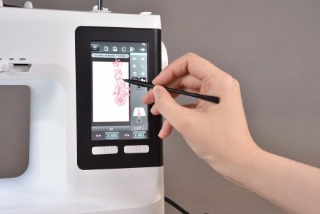
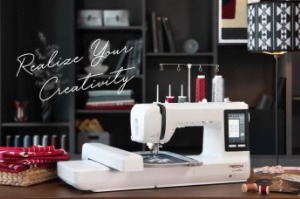
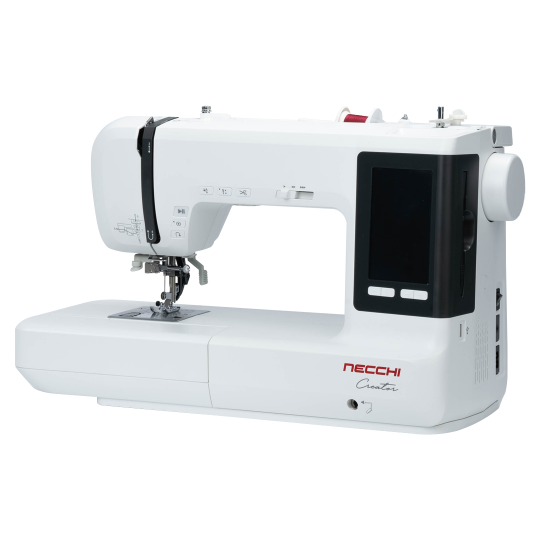
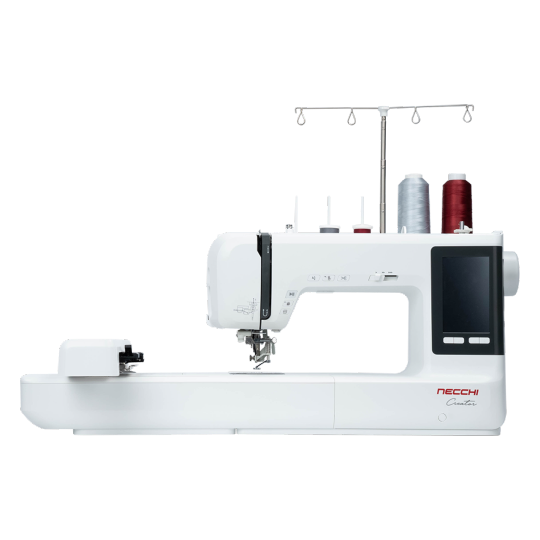
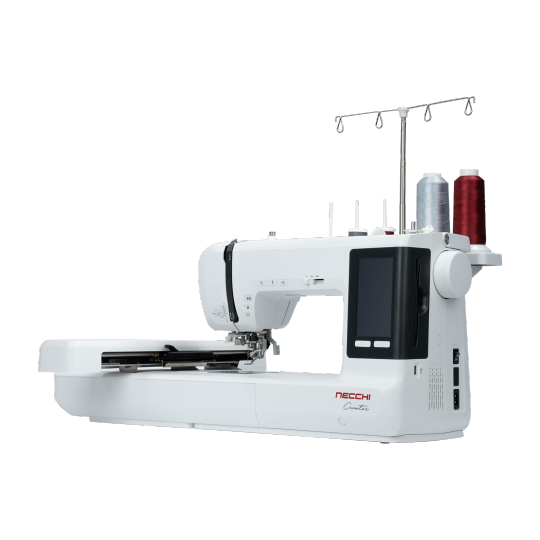
5” TFT LCD Color Touch ScreenOS System Installed
Allows you to control and adjust lots of features on your machine easily, and it helps to check your designs in color before starting
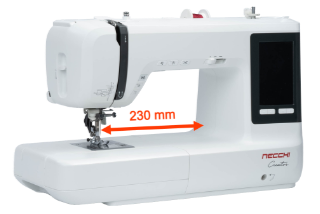
Large Working Space
The great 230mm (9”) working space for larger projects
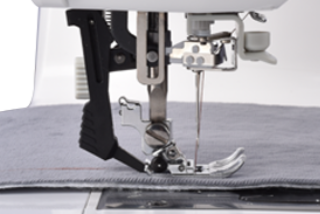
Dual Feed System
Help to feed your fabric from the top to bottom at the same time, which results in better feeding capability
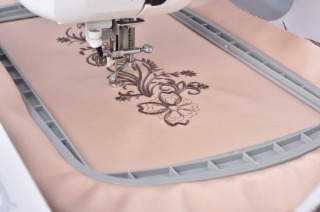
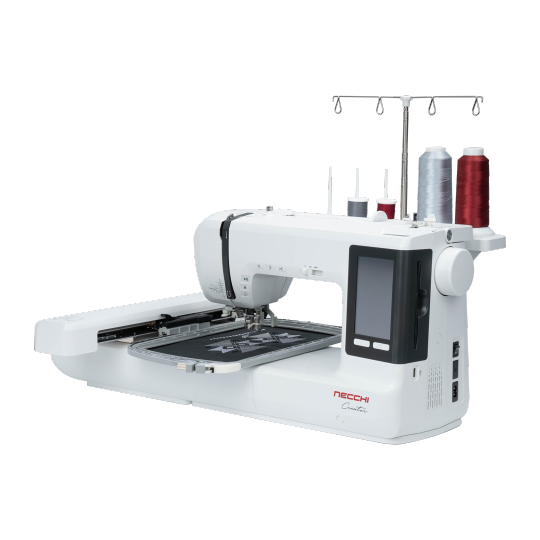
Large Embroidery Area
Up to 160 x 260mm (6.3” x 10.2”) embroidery area unleash your creativity
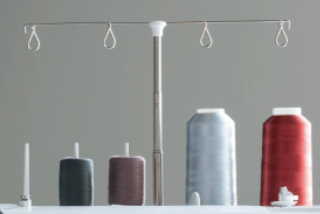
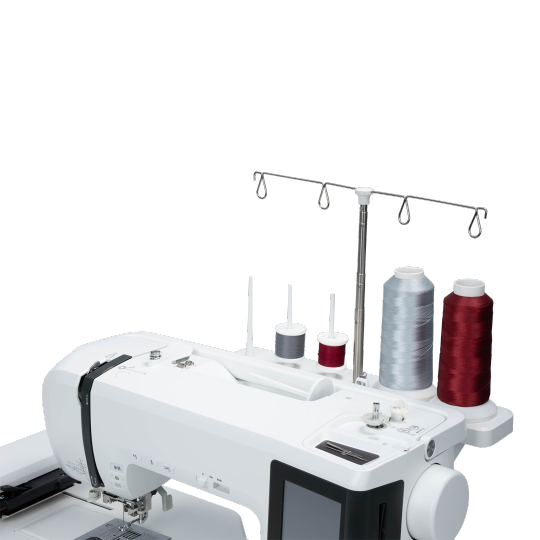
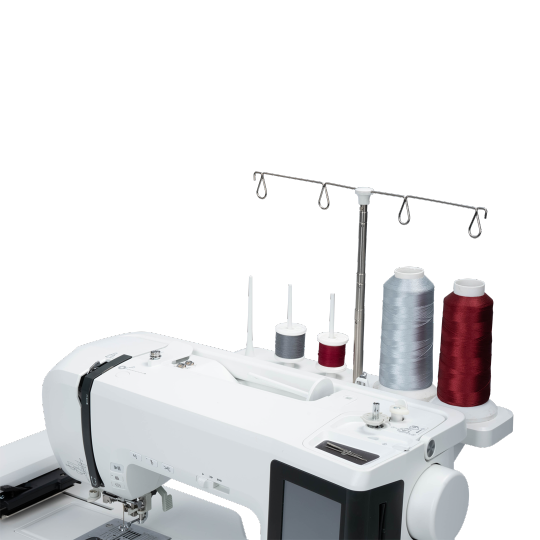
Multiple-spool Holder Stand
Allow to line up for several spools of threads, and it will make your sewing and embroidery more convenient
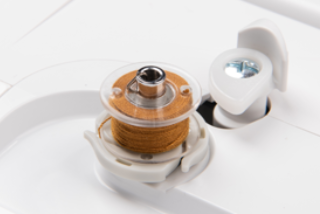
Independent Bobbin Winding System
There is no longer need to re-thread when winding the bobbin. And it will save time by winding bobbin while sewing or embroidering
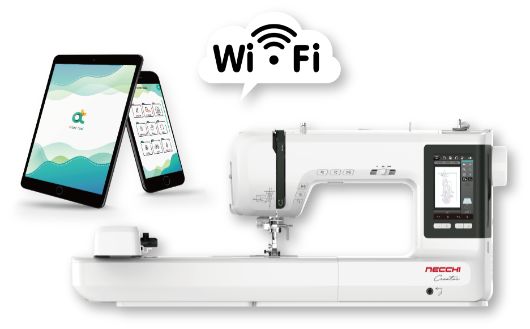
Built-in Wi-Fi
It is easy to send embroidery designs from mobile device or computer to the machine
Artist Tool App
With Artist Tool App, you can leave your machine and create or edit your designs and monitor embroidery progress anywhere
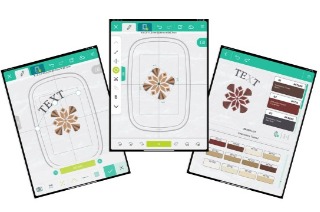
Edit Embroidery Designs
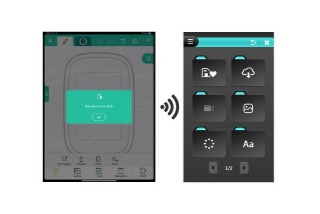
Transfer Files
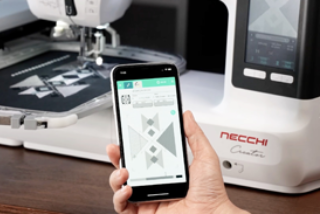
Stitch Monitoring
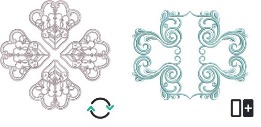
Edit Mode
70 Embroidery patterns included. Free to rotate, align, array and edit your designs.
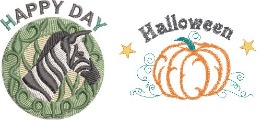
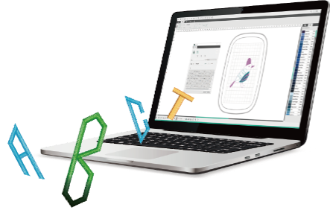
Text Manager
Manage and create letters by 11 built-in fonts. You can change its shape and size, place text on a path or on any shape you have created.
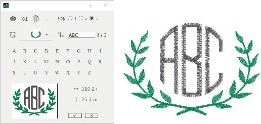
Monogram
Create your personal monogram ideas by different selection of fonts and frames.
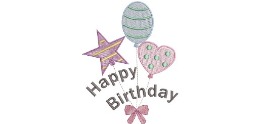
Paint Mode
Draw different graphics and line to create your own design easily.
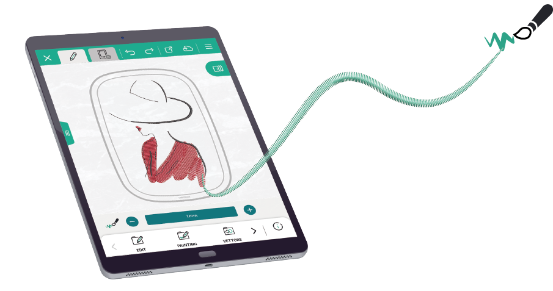
Pressure Sensitivity
Take advantage of the pressure sensitivity feature to create paint strokes by using your pressure sensitive stylus. You are free to control width, spacing, angle or jitters based on the pressure of your stylus on the table
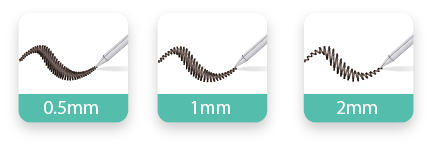
* Pressure sensitive stylus is mandatory
Photo Stitch
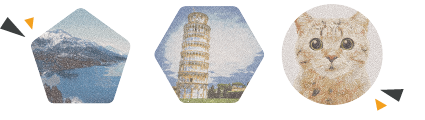
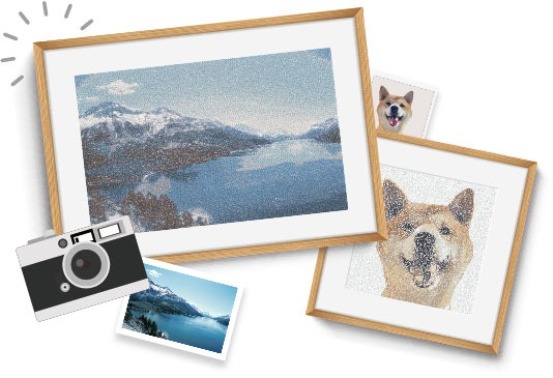
Capture images and convert them to cross stitch, random stitch and overlap satin stitch. Easy to convert your photo to a beautiful embroidery design.